Files never uploaded · processed in your browser
PDF metadata removal
Wipe author, creator app, and create/modify timestamps that expose who you are
Processed in your browserWorks offlineFree forever · no account
Drag a file here, or click to choose
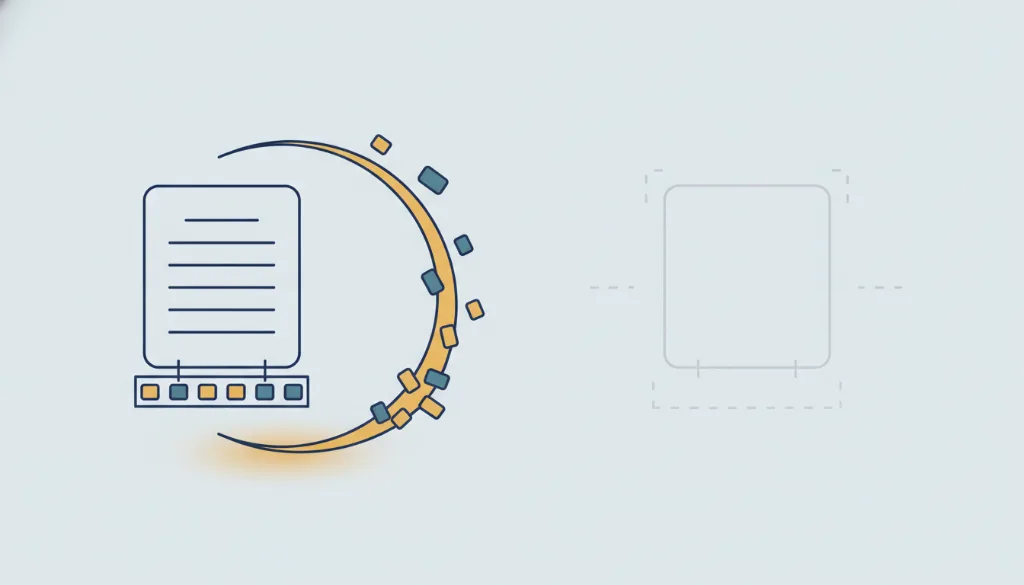
Processed locally in your browser — never uploadedEvery PDF quietly records who made it, with what software, and exactly when — author name, company, Office/printer model, second-precise timestamps. This hidden metadata travels with the file when you share it. This tool clears the document info fields and the XMP metadata stream in one click, entirely in your browser. Nothing is uploaded.
How to use PDF metadata removal
- 1Pick a PDF — processed locally, never uploaded
- 2Click "Strip metadata"
- 3Download the clean copy; your original is untouched
Why this tool
Redacting a file but forgetting its metadata is the most common silent leak (Adobe makes Sanitize a separate, easy-to-miss step). We make metadata removal a one-click tool and bake it into the true-redaction flow by default.
FAQ
- Does stripping change my file's content?
- No. Only the document info and XMP metadata are cleared; the page content stays the same.
- Does it remove all hidden data?
- We clear the document-info fields and XMP stream that most commonly leak identity. PDFs are complex, so for highly sensitive files combine this with the inspector.
Related tools
Updated 2026-06-10 · PrivScrub