How PrivScrub works — methodology
Methodology reviewed · 2026-06-10
We'd rather show our work than ask you to trust us. Here's exactly how each guarantee is implemented: why files can't be uploaded, how true redaction deletes text, and the checksum math behind PII detection. Everything runs as client-side code you can audit in your browser's dev tools.
No upload / true deletion / self-check
The methodology is organized as verifiable claims: architecture, rasterized redaction, checksum validation and lossless metadata removal.
Why files are never uploaded (and how to verify it)
PrivScrub is a fully static site with no file-processing backend. There is no server endpoint that accepts a file, so there is nowhere for your file to be uploaded — this is an architectural property, not a promise we could quietly break.
You can verify it two ways: turn off your network and confirm every tool still works, or open your browser's Network panel (DevTools) and confirm there are zero upload requests while a file is processed.
True redaction by rasterization
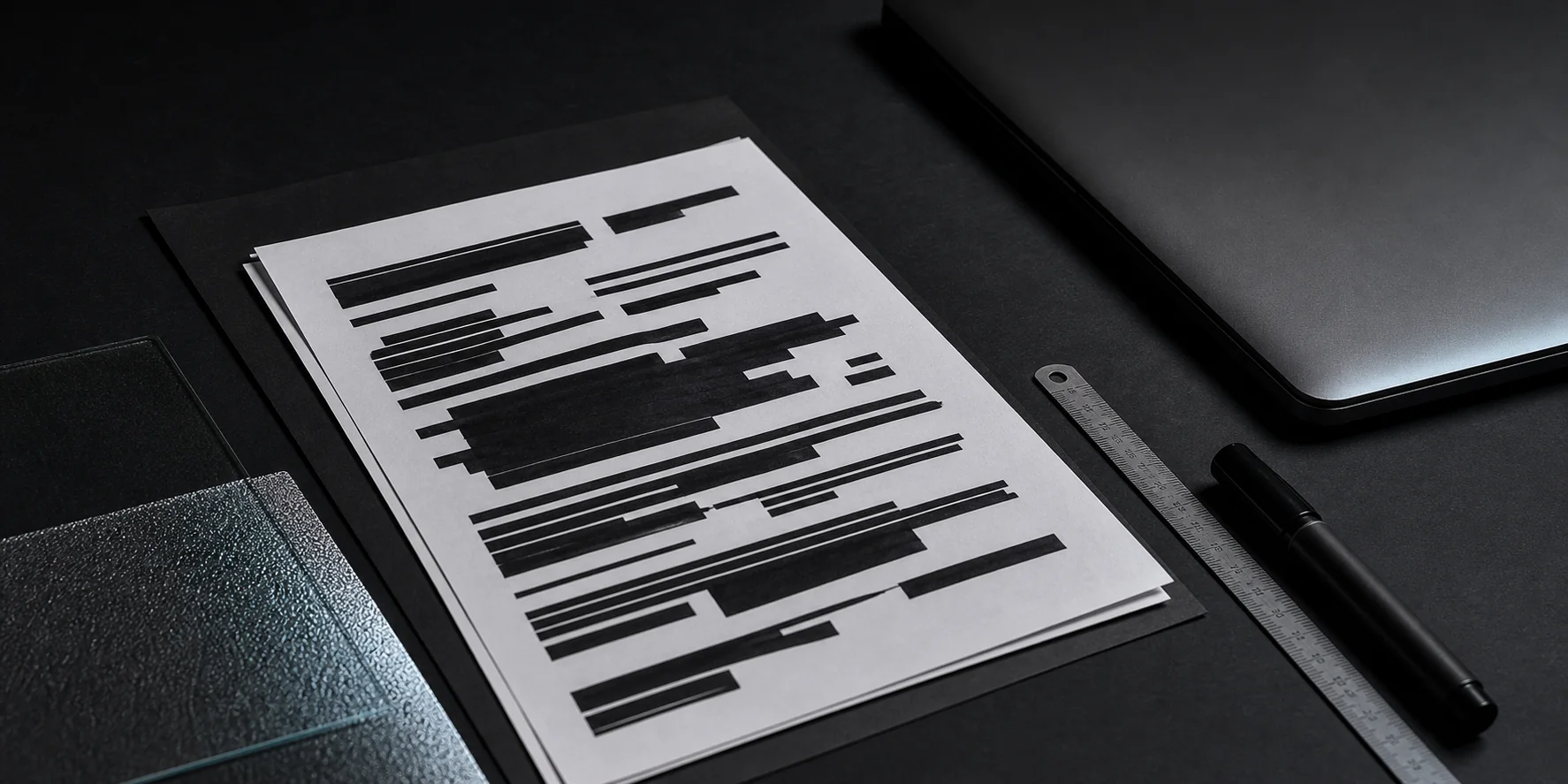
Drawing a black rectangle over text leaves the underlying text objects intact in the PDF content stream, which is why 'black-box' redaction leaks. PrivScrub instead rasterizes any page that carries a redaction: the page is rendered to a bitmap, the bars are burned into the pixels, and the rasterized image replaces the original page.
The original text objects no longer exist on that page, so copy, parse, and OCR all return empty over the covered area. The trade-off is that the redacted page loses its searchable text layer — an acceptable cost for a file that's being redacted.
Document metadata (author, creator app, timestamps) is cleared in the same pass by default, because redacting the body while leaving identity metadata is a common silent leak.
PII detection with checksum validation
Detecting national IDs and card numbers by pattern alone produces glaring false positives, because order numbers and random IDs share the same length. PrivScrub validates the number's own checksum before flagging it.
Chinese national IDs (18 characters) are validated with the official ISO 7064 mod-11-2 check digit over the first 17 digits. Card numbers are validated with the Luhn algorithm. This separates structurally valid numbers from random digit strings, so the scan is trustworthy enough to gate redaction.
Lossless EXIF / metadata removal
For JPEGs, PrivScrub removes the EXIF segments (GPS, timestamps, device model) without re-compressing the pixels, so image quality is untouched. Many 're-export to drop EXIF' approaches silently degrade the JPEG; we avoid that.
The EXIF viewer shows you exactly what metadata a photo carries before you remove it, so you can see what would have leaked.
Honest limits
- Blur masking carries a theoretical risk of partial reconstruction in extreme cases; use solid black or pixelation for maximum safety.
- Automatic face detection relies on a native browser capability with limited support; where it's unavailable you box faces manually.
- Scanned (image-only) documents need OCR before PII can be auto-detected, and OCR introduces recognition errors.
- PrivScrub is not a substitute for certified, evidence-grade legal or medical redaction — for those, consult a professional.