Security guide
Adobe's Redact and Sanitize are two different things — miss one and you leak
People assume that clicking 'Redact' in Acrobat is the whole job, then ship a file with the author name, revision history, and metadata fully intact. The reason: Adobe splits 'delete the visible content you marked' (Redact) and 'remove hidden information in the document' (Sanitize) into two independent actions. Do only the first and your identity still leaks.
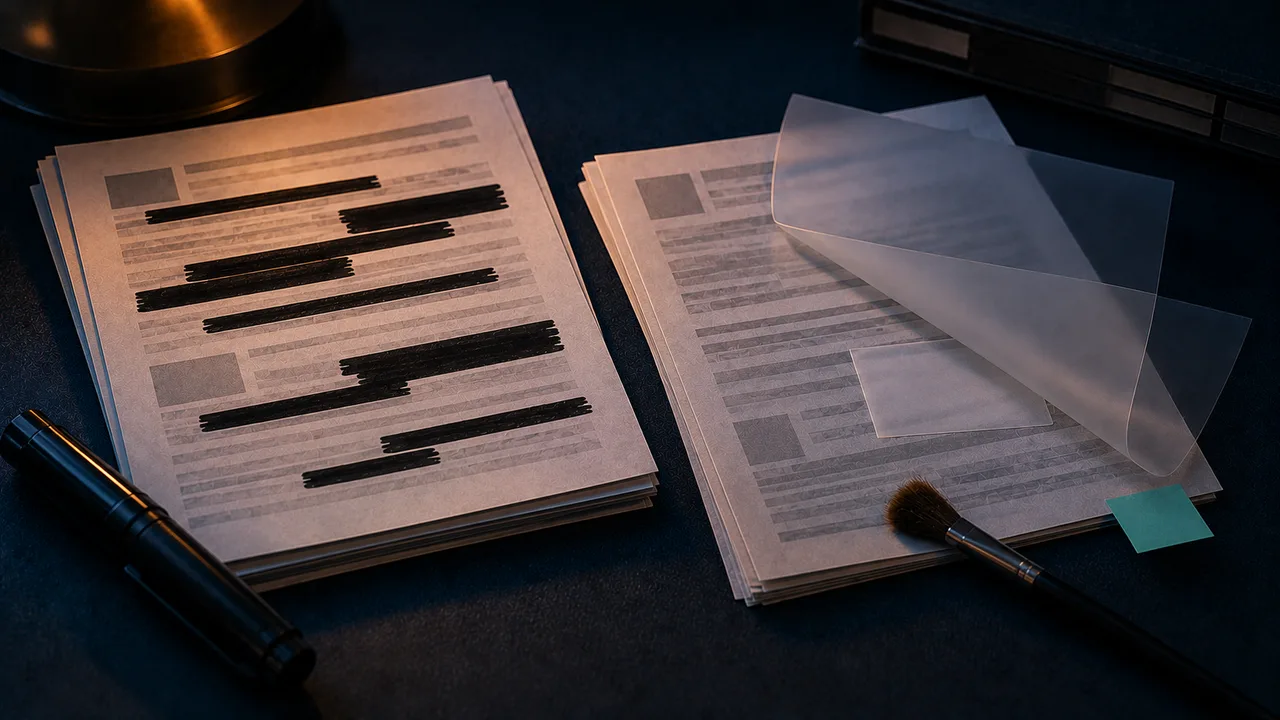
Verify before sharing
What Redact removes
Redact targets the visible text and image regions you explicitly mark; applying it actually deletes that content and fills it black. This step is genuine redaction.
But it only touches what you marked — it doesn't address document-level hidden data.
What Sanitize removes
Sanitize (Remove Hidden Information) clears metadata, embedded revisions/comments, stale form-field values, attachments, scripts, and hidden layers — data you can't see but that sits in the file.
Author name, company, creator app, and create/modify timestamps are all in this category, and they tie straight back to your identity.
Why you need both steps
Redact without Sanitize: the visible content is gone, but metadata and hidden revisions still reveal who you are and how many drafts there were.
Sanitize without Redact: the hidden data is cleared, but the body text you wanted to cover is still there.
The correct order is Redact first, then Sanitize, then verify yourself by copy-pasting before export.
The lower-friction approach
Pick a tool that, by default, both deletes the text under covered areas and strips metadata in one pass, eliminating the chance of skipping a step.
This site's true PDF redaction has 'also strip document metadata' checked by default, and metadata removal is available as its own tool.
FAQ
- Can the free Acrobat Reader redact?
- No. Redact/Sanitize are paid Acrobat Pro features; the free Reader only views. This site does both for free, locally in your browser.
- Can I Sanitize first, then Redact?
- Redact first, then Sanitize is recommended. Otherwise the Redact step itself can write new revision traces that you'd have to clear again.