Security guide
Redaction by scenario: what to cover in contracts, medical records, and resumes
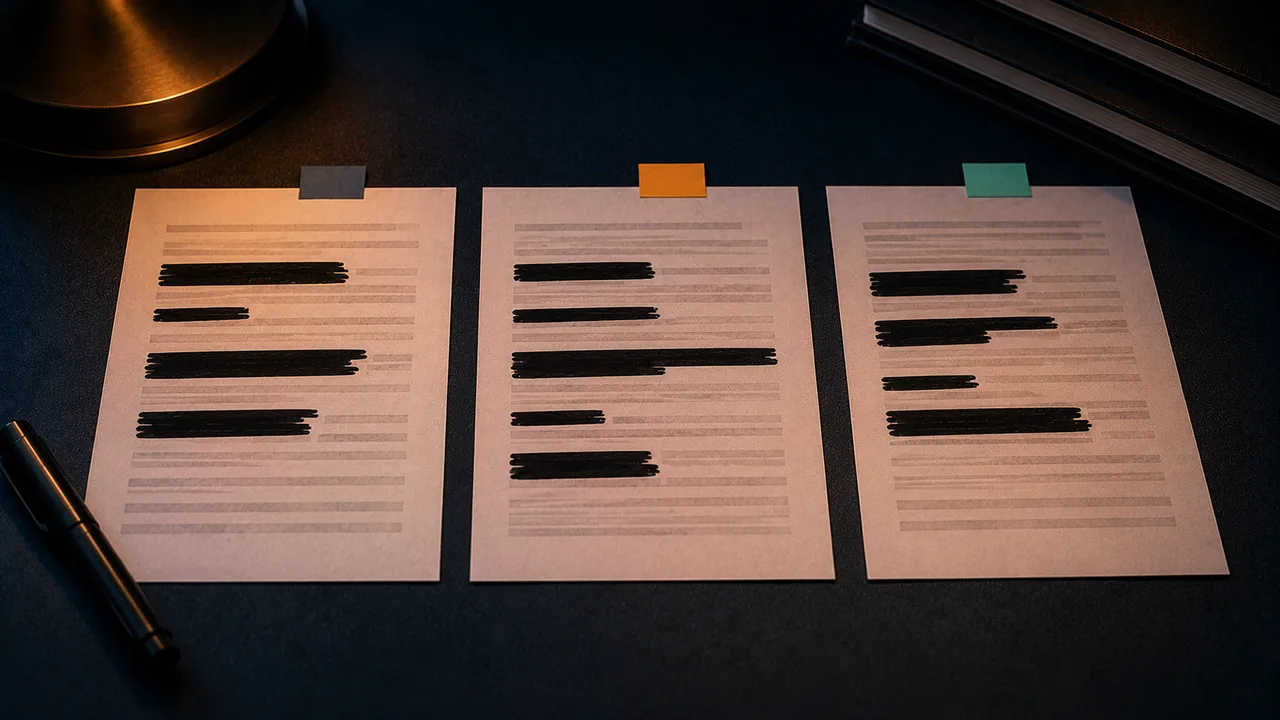
Redaction isn't a blanket 'cross out the name.' Different document types have different high-risk fields and different hidden corners that get missed. Here's a breakdown across four common scenarios — what to cover, why, and where leaks hide.
Verify before sharing
Contracts / agreements
Cover: real names and ID numbers of both parties, signatures, bank accounts, quoted amounts (if redacting for an external party), phone numbers and addresses.
Easy to miss: tracked changes and revision history (traces of a price change), the document number in the footer, and metadata left by the signing platform. Run a full-text PII scan before sharing.
Medical records / lab reports
Cover: name, patient/visit ID, national ID, address, insurance number — and specific diagnoses where warranted.
Easy to miss: patient identifiers repeated in the page header/footer, QR/barcodes (which often encode the visit ID), and information that exists as an image in scanned reports.
Bank statements / financials
Cover: full card/account numbers (keep at most the last four), balances, counterparty names, and addresses.
Easy to miss: account-holder info outside the table, the export account number in the PDF metadata, and a watermark-style account number repeated on every page.
Next step: once the sensitive fields are masked, if you still need the statement as a spreadsheet for bookkeeping or expenses, you can convert your redacted statement into a clean Excel or CSV, locally — the parsing runs in your browser, so the original file is never uploaded.
Resumes / CVs
When posting publicly, cover: home address, national ID, date of birth (to avoid age bias), and sensitive current-employer details.
Easy to miss: your real name in the file properties (even if the body uses an alias) and the author field written by your export tool — remember to strip metadata.
FAQ
- After redaction, can the recipient still search/copy the normal content?
- The redacted pages lose their text layer due to rasterization, but the searchability of the remaining un-redacted pages is unaffected. A redacted file doesn't need to be fully searchable anyway.
- How do I redact an ID scan (passport, national ID)?
- An ID scan is an image; use image-region masking to black out the number, photo, and issuing details and burn them into the pixels. Never use this to forge — for protecting your own privacy only.